Commo CRM for Small Teams — Leads, Deals, Tasks, Finance
A practical walkthrough of Commo CRM: create a company, invite the team, run leads and deals on boards, assign tasks, and track money on each deal — with demo screens from a real Balkan installer workflow.
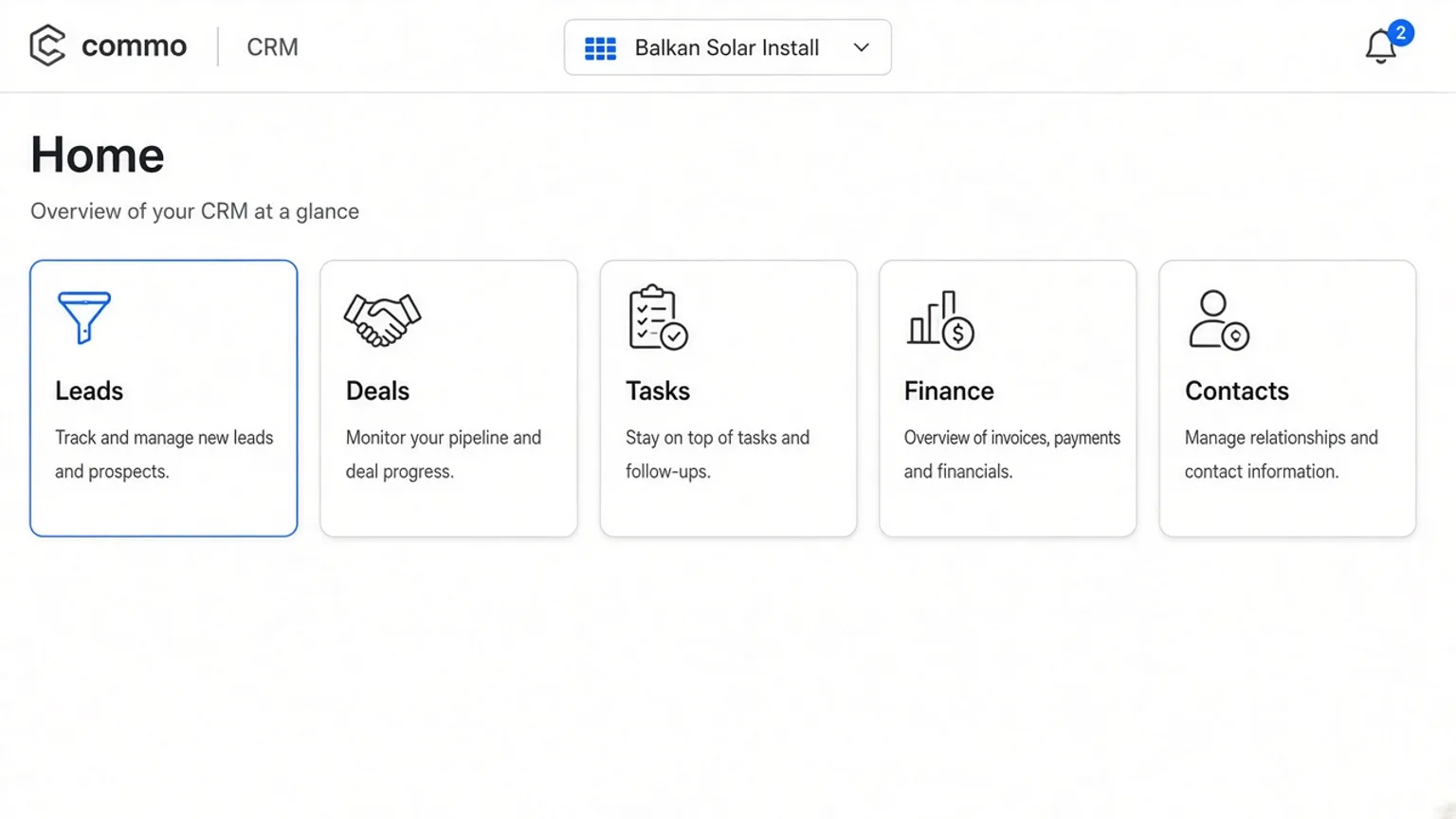
Commo CRM sits next to the price catalog for teams that sell and install — HVAC, lighting, solar, appliances. You pick a company, invite colleagues, and work from one workspace: leads, deals, tasks, finance, contacts, and team. Below we use demo company Balkan Solar Install so screens are never empty.
What you get in the workspace
After Google sign-in you land on CRM home. Module cards open Leads, Deals, Tasks, Finance, and Contacts. The header keeps company switch, language, and a notification bell for assignments.
Everything is scoped to the active company. Switch companies from the nav when you run more than one brand or franchise.
- Leads & Deals — kanban pipelines with owners
- Tasks — assignees, deadlines, optional link to a lead or deal
- Finance — income and expense transactions bound to a deal
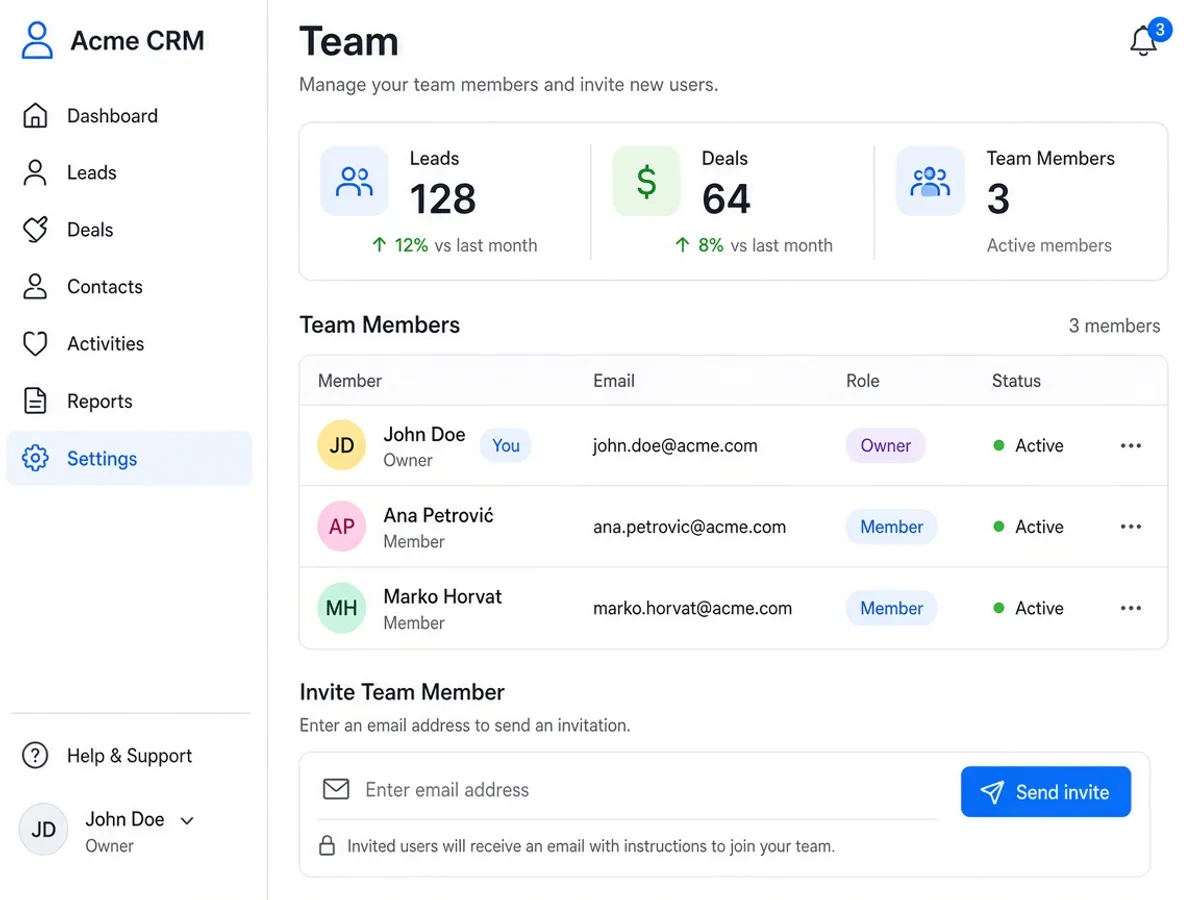
- Team — roles, invites by email, acceptance link
Scenario: week one for an installer team
Ana Petrović creates company Balkan Solar Install, invites Marko Horvat as a member, and opens Leads. New inbound calls become cards in New; qualified jobs move right. When a quote is accepted, Convert turns the lead into a deal with amount and currency.
Same day she creates task “Send proposal to Ana” with a due date and assigns Marko for the Split site survey. Finance stays empty until the first deposit lands on the deal.
Why boards beat scattered chats
WhatsApp and email bury who owns the next step. Boards show status at a glance; the drawer holds notes, contact, owner, and (on deals) a Finance tab. Notifications fire when someone assigns you a lead, deal, or task — or posts a transaction on your deal.
| Module | Primary job | Demo example |
|---|---|---|
| Leads | Qualify demand | Office LED retrofit — Split |
| Deals | Track revenue stages | Hotel lighting package · €18,500 |
| Tasks | Execute next actions | Site survey — Split |
| Finance | Record money on deals | +€4,900 deposit |
| Day | Action | Owner |
|---|---|---|
| 1 | Create company + invite team | Owner |
| 1–2 | Import or add open leads | Ana Petrović |
| 3 | Convert qualified lead → deal | Ana Petrović |
| 4+ | Assign tasks + log deposits | Team |
Start from the CRM landing, create a company, and keep one pipeline honest for two weeks — boards stay useful only if statuses and owners stay current. Open Commo CRM and try the same flow with your team.
Open Commo CRM · CRM workspace · Leads board · Tasks · Finance
FAQ
- Who is Commo CRM for?
- Small sales and installation teams — HVAC, lighting, solar, appliances — that already use Google accounts and need one company workspace for leads, deals, tasks, and deal finance.
- Do I need a separate login from the catalog?
- No. Sign in with Google on commo.cc, open CRM from the header, create or join a company, then use the same session for boards and notifications.
- Can one person run several companies?
- Yes. Switch the active company in the CRM nav. Each company has its own pipelines, members, and transactions.
- Is there a mobile layout?
- CRM is mobile-first: boards scroll horizontally, drawers open full-width on small screens, and the notification bell stays in the header.